
We built AI January with AI.
One organizer, a few minutes at a time, asked Claude for help. Four weeks later there was an event plan, this website, sign-ups, a faculty page, an admin tool and a Slack bot. Here’s how it went, with the real prompts, typos and all.
- 4 weeks from the first prompt to today
- 64 separate jobs, each its own conversation
- 94 prompts from Andrew
- 54 changes to this site, all in public on GitHub
How the work was set up
Everything ran in one Claude project. Andrew typed an ask into a chat, often from his phone. Claude split each ask into its own conversation, called a thread, and each thread did one job: research, a mockup, a page, a fix. Threads could open the website code, use Andrew’s web browser to set up accounts, and run things on his laptop when he said yes.
Every change to the site was a pull request with phone and desktop screenshots. Nothing goes live until it’s merged on GitHub, and merging is the only way to put it live.
About “the thinking.” Claude’s private reasoning isn’t saved, so it can’t be shown. What is saved is the thinking done out loud: the questions Claude asked, the options it laid out, and the choices Andrew made. That’s what’s on this page.
What we used
You don’t need all of this to start. Most days it was one chat and a phone. But people ask, so here’s the full list.
Claude and its add-ons
- A Claude project. One main chat that hands each job to its own thread, and keeps notes that every thread can read later.
- Skills. A skill is a set of instructions Claude loads for one kind of job. Hallmark gave it design rules and looks, to get away from “AI slop.” gstack gave it an “office hours” routine: ask hard questions before designing anything.
- A way of thinking. Felix Rieseberg’s essay on being more ambitious with AI. Andrew asked for every idea to be run through it.
- Connectors. These let Claude use other apps directly: GitHub for the code, Cloudflare for the database, Slack, the email inbox, OpenSEO and Google Search Console for search checks, and GoodUI, a library of real A/B test results.
- Andrew’s own browser. Claude clicked through setting up Cloudflare, Slack, analytics and the email inbox. It stopped and asked whenever a password or key was needed.
- Andrew’s laptop. For the faculty pages, Claude ran the site on his Mac so he could click around before anything went live.
- Deep research. Longer digs, like which AI companies support community events, and which local calendars list events for free.
What the site runs on
- Cloudflare. Hosts the site and keeps sessions, faculty and sign-ups in a small database. Plain HTML, CSS and JavaScript, no frameworks.
- Better Auth. Just your email, with Google and Apple as one-tap shortcuts.
- Resend. Sends the emails, including calendar invites when you RSVP.
- Umami and Google Analytics. To see which pages and buttons get used.
- An admin tool and a Slack bot. Organizers can add or edit sessions by asking Claude. Beignet, the bot in the team’s Slack, can do the same.
What Andrew fed in
Not tidy specs. A voice memo to himself, a design guide as a PDF, a meeting transcript, the AI Friday slides, screenshots, and guides’ emails pasted in whole. Claude did the sorting.
October 27 · Brainstorm
A building for a month, and a big question
Tim Williamson offered us the Nieux Society building for all of January, after attending AI Friday last week.
I want to think this through with you and brainstorm, then potentially mock up a side.
I want everything we talk about and brainstorm to be put through Felix’s framework for thinking more ambitiously…
Andrew, the first prompt
Claude pushed the idea higher: don’t just fill a building, ask “how do you forward-deploy an entire city?” Then it suggested recruiting partner organizations to run tracks, and Andrew said no.
We do NOT want to recruit partner orgs. If it happens organically, great!
Research “unconference” structures like BarCamp.
Andrew
That turned into the model you see now: anyone suggests a session, and when enough people want it, it gets scheduled. Claude also caught a date slip. The kickoff was written as Jan 9, a Saturday, so it moved to Friday, Jan 8. The first website mockup came back that morning.
I’m not loving it. Looks like AI slop. Needs to be more mobile capable.
Andrew
October 28 · Finding the feel
Ask the beginner question first
The second try started with questions, not a design. Andrew’s answer to “what should people feel?” set the goal for everything after it:
I want them to feel like this is for them, this is a place to learn, and if they’re intimidated by AI or haven’t used it much, I want them to feel comfortable making the jump…
Andrew
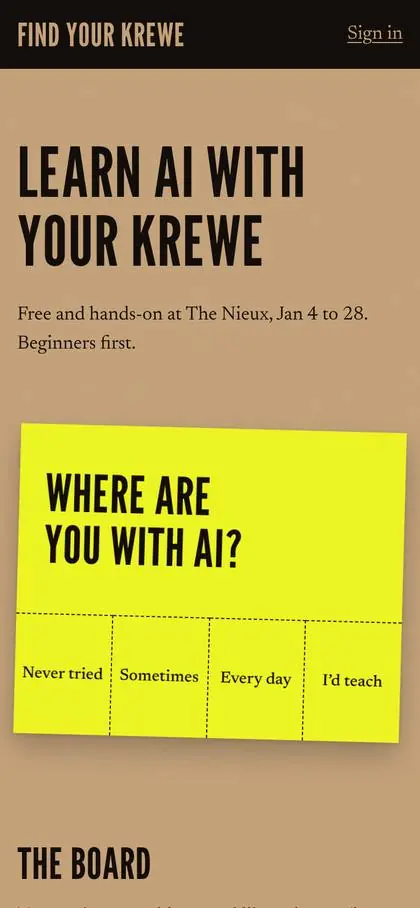
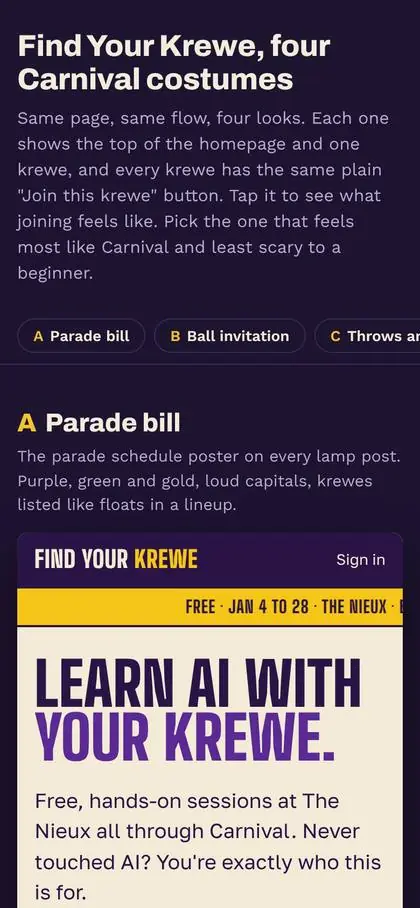
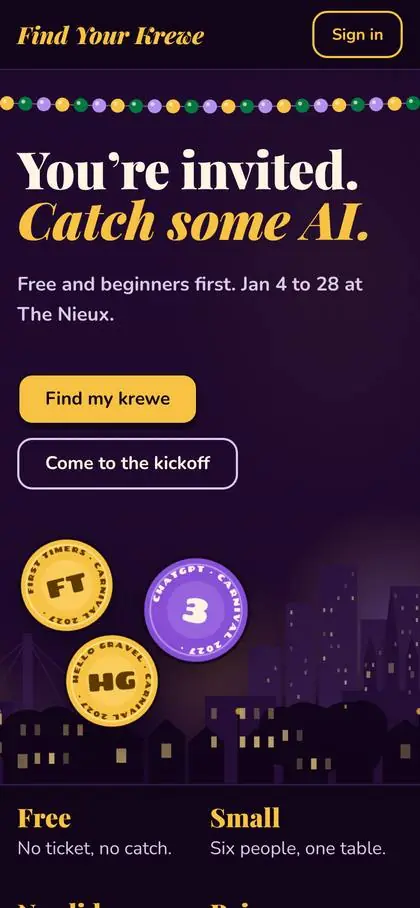
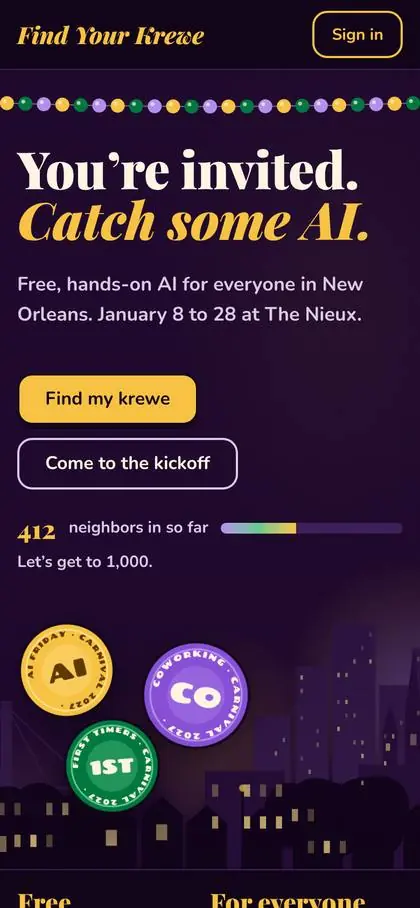
When Claude asked which New Orleans place already makes newcomers feel welcome, Andrew said “huh I have no idea.” So Claude offered four picks instead: bulletin board flyers, a second line, a corner bar chalkboard, or the library. Flyers won, then a “design shotgun” tried four Carnival looks side by side. The plum “night parade” won that round.
October 29 · Reset
“How little can we do?”
The organizers met in person, and Andrew pasted the meeting transcript in. Claude boiled it down to a small floor and a high ceiling: commit to about ten sessions, let people ask for the rest, and let demand decide how big it gets. The people who know AI became guides who sit next to you, not presenters. Andrew added the risk himself:
if all that happens is we hang out a few times and learn together, not a huge loss
Andrew
November 3 · Start over and ship
One piece at a time
I’m still not loving the design. So let’s spin up a new thread and build it piece by piece.
Andrew, 12:28 PM
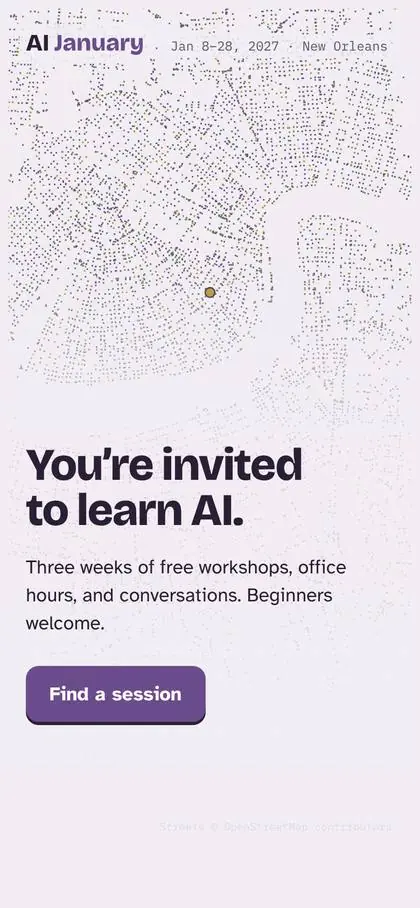
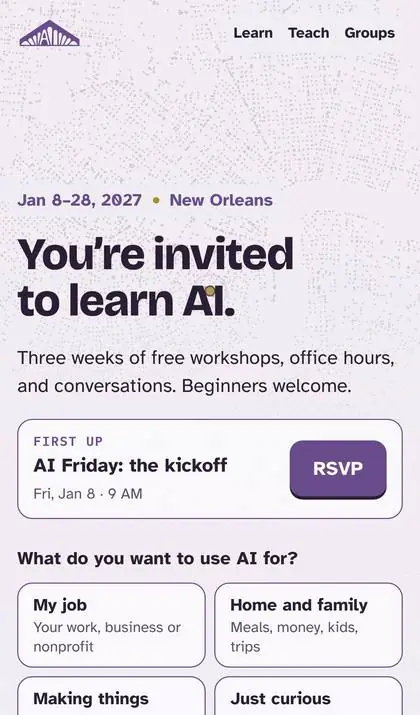
This was the turn. Andrew wrote a short brief (call it AI January, beginners welcome, “Mardi Gras but muted… Not black background hacker type”) and reacted to one section at a time. The map at the top came from street data in his AI Friday slides, about 29,000 street corners across greater New Orleans. “Host” sounded like it would be at your house, so it became “Guide.”
Merge when ready. Also please set it up so everythign deploys through github to cloudflare. No deploying directly.
Andrew
The site went live at 3:31 PM, about three hours after “piece by piece.”
November 4 · Many at once
Nineteen changes in one day
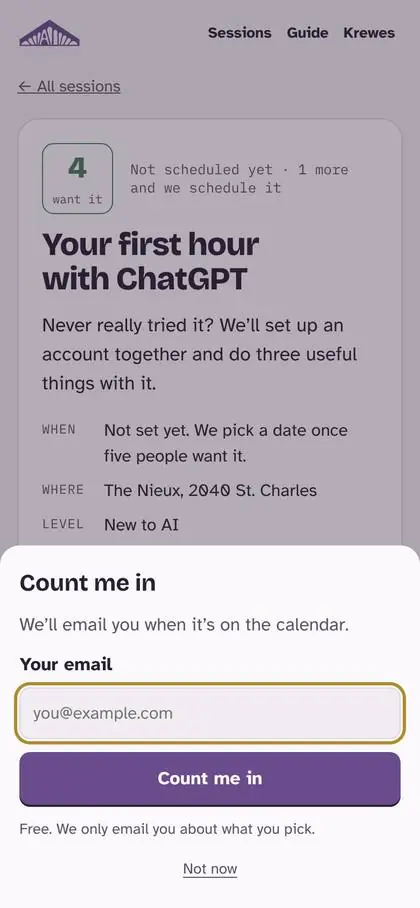
ok a few threads I want to spin up… 2. I want to debate if we even need a login. Do we need a way to login or should we just collect emails when they RSVP?
Andrew
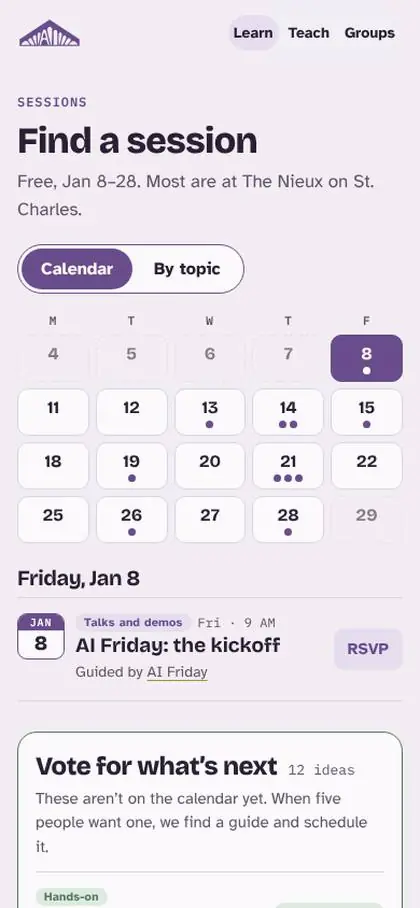
Claude’s answer: nobody needs to sign in, but every reminder and calendar invite needs an email. So tapping RSVP or “I want this” asks only for your email and counts right away. The same day brought the calendar, the FAQ, the Why and Where pages, the footer, analytics and a privacy page. For account setups, Claude did the clicking in Andrew’s browser and left the passwords and keys to him.
November 4 and 5 · Tools to run it
Cut it down, then build it
The organizers have almost no time in December and January, so the event has to mostly run itself. Claude’s first plan for an admin tool had 27 actions. Andrew cut it:
I think MCP is way too complex. We don’t need the “slots” architecture. I really don’t think we need a review queue right now. Email - later
Andrew
It shipped with 12. By the next morning, a Slack bot named Beignet could answer organizers’ questions and use those same tools, on a $10-a-day budget. When the vote cards said “0 want this,” Andrew called it “sad/depressing,” and zero counts disappeared.
November 9 to 16 · Faculty
Guides become faculty
Tim has been calling this “faculty” — I think this is a good characterization… Let’s mock this up locally first.
Andrew
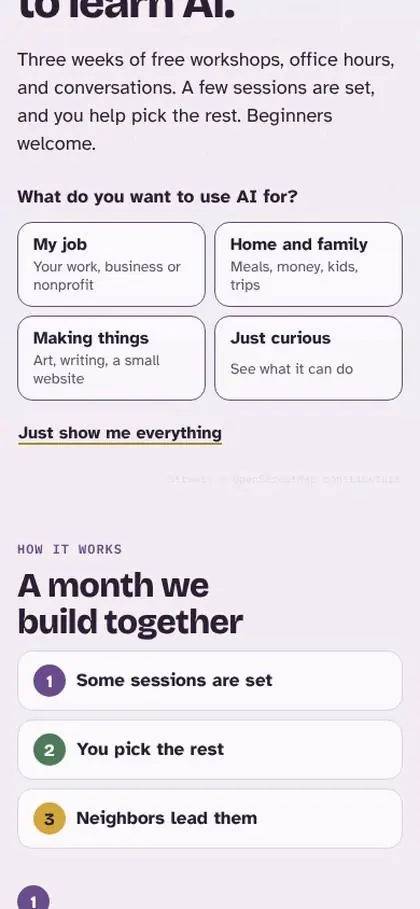
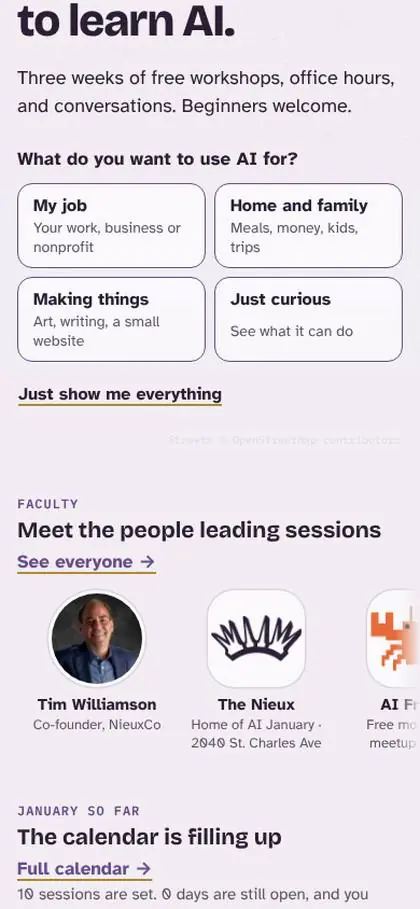
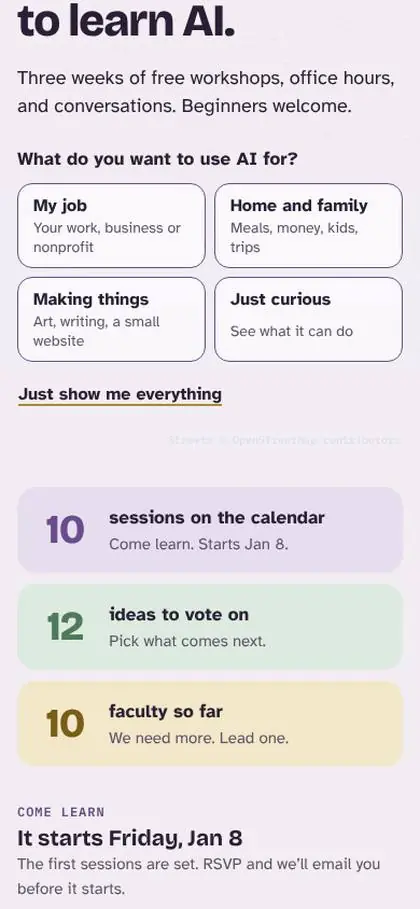
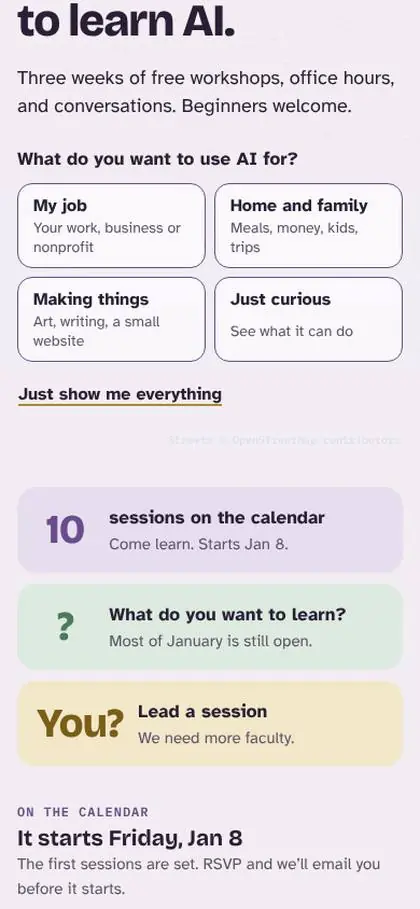
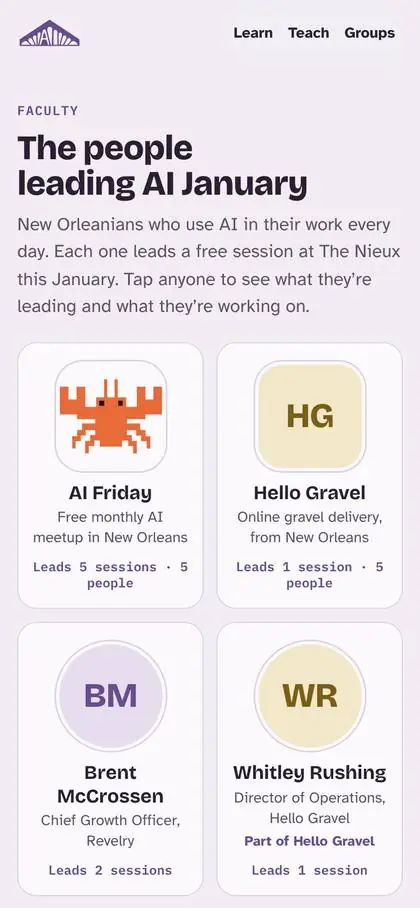
Faculty pages only list people who said yes, with photos they approved. Then the front page needed rethinking, since “Coming up” makes little sense two months out. Claude mocked up three versions and recommended B. Andrew took the top of C, asked for more “What do you want to learn?”, and kept the faculty modest:
I do like “You?” But I don’t think this is a super crazy good lineup like we don’t have AC/DC showing up.
Andrew
November 20 to 24 · Running it from a chat
Paste an email, get a session
By now most of the work was filling the calendar. Andrew forwarded a guide’s note with a line like “Let’s get this one on the calendar,” and Claude wrote a plain description, picked the slot, built their faculty page and put it live. Quick questions got quick answers straight from the database:
How many sessions and staff are we up to?
Andrew
(20 sessions, 20 ideas waiting for votes, and 26 faculty that afternoon.) RSVP emails got real calendar invites. Faculty got a share page that makes images and posts for their session, after Andrew said the first plan was “a TAD over the top.” Claude also found free local event calendars to list on, and checked every offer to lead a session against who had heard back.
More real prompts
A few more, typos and all, because the short ones did the most work.
Asking for options before deciding
Hey I have a thread asking me for a resend key. Before deciding on resend, spin up a thread to research and talk through alternativs.
Andrew
Use the GoodUI MCP and evalate the patterns and tests that are most relevant to us. We don’t have the benefit of traffic to run tests, but we can potentially use the research to help guide design decisions.
Andrew
Checking the work
ok out of curiousity is this efficient? like how big is this going to be to load on peoples browsers or phones?
Andrew, about the animated map
Please edit the following FAQs. If I don’t meniton an FAQ, don’t change anything about it. You can update my grammer and stuff, just helping with the vibe here.
Andrew
Setting limits
It has a $10 per day limit. we should try to be careful with spend here. use the right model.
Andrew, handing over a key for the Slack bot
It’s a public repo because I want other people to be able to submit PRs. So make sure it’s well documented.
Andrew
Handing off and catching up
Take what we built and our plan, and give me a little PRD so I can rebuild in another session. Don’t talk design or anything. Just talk like what it is and what we want people to be able to do.
Andrew
ok so what’s open for me to do? what’s next?
Andrew, more than once
whoops mu nad tru agaom/
sorry keep going try again!
Andrew, from his phone
What changed along the way
Most of the real decisions were about words. Each of these started as a draft and changed when Andrew read it the way a nervous beginner would.
| Started as | Became |
|---|---|
| Find Your Krewe | AI January |
| Captain, then host | Guide, then faculty |
| Partner organizations run tracks | Anyone suggests, the city votes |
| Dark night parade | Lavender paper, muted Mardi Gras |
| Sign in | Just your email |
| Five little dots | “3 want it,” and no zeros |
| 27 admin actions | 12 |
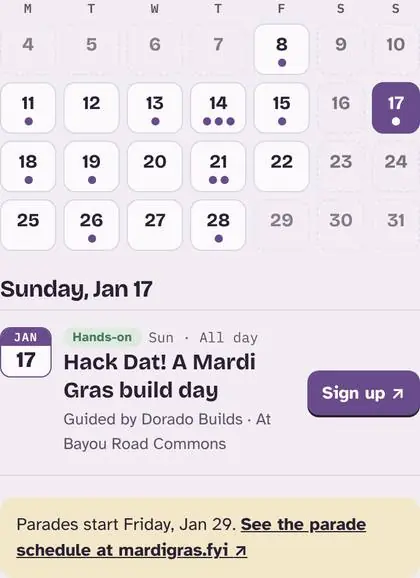
| Jan 8–29 | Jan 8–28, because parades start the 29th |
If you want to try this
- Say plainly what you don’t like. “Looks like AI slop” got a better next round than “can you tweak it.”
- Ask for options, then mix. Picking the top of C and the middle of D is allowed.
- When it’s not working, go piece by piece. Three whole-page redesigns missed. One section at a time got to a live site in an afternoon.
- One job per conversation. Small jobs can run side by side and stay easy to find.
- Write the rules down once. The site’s AGENTS.md holds every decision, like “Guide, never host,” so each new conversation follows them.
- Let it click, keep the keys. Claude set up accounts in the browser. Passwords and keys were always pasted by a person.
- Paste the messy stuff. A voice memo or a forwarded email works better than a summary you spent an hour on.
- Ask what’s waiting on you. With many threads going, “what’s open for me?” is the most useful question.
- Set limits up front. A spending cap, “don’t merge yet,” or “only people who said yes” keeps things safe.
- Cut scope out loud. “Email - later” is a complete sentence.
New to this? A few words
- Prompt. What you type to Claude. Plain words are fine.
- Thread. One conversation for one job, so it stays short and easy to find.
- Skill. Saved instructions Claude loads for a kind of job, like “design a page” or “run office hours.”
- Connector (MCP). A plug that lets Claude use another app, like GitHub or Slack, with your permission.
- Pull request. A proposed change to the site that a person looks at before it goes live.
- Preview. A private copy of the site with the change in it, to click around before saying yes.
- Merge. Saying yes. On this site, merging is what puts a change live.
Want to learn how to work like this?